

This feature is only available on the Business Plan.
Workspace-Level Feature
Labels are a workspace feature, meaning they apply across your entire account. Each personal brand within your workspace can view and apply these labels when creating or scheduling posts.Creating and Managing Labels
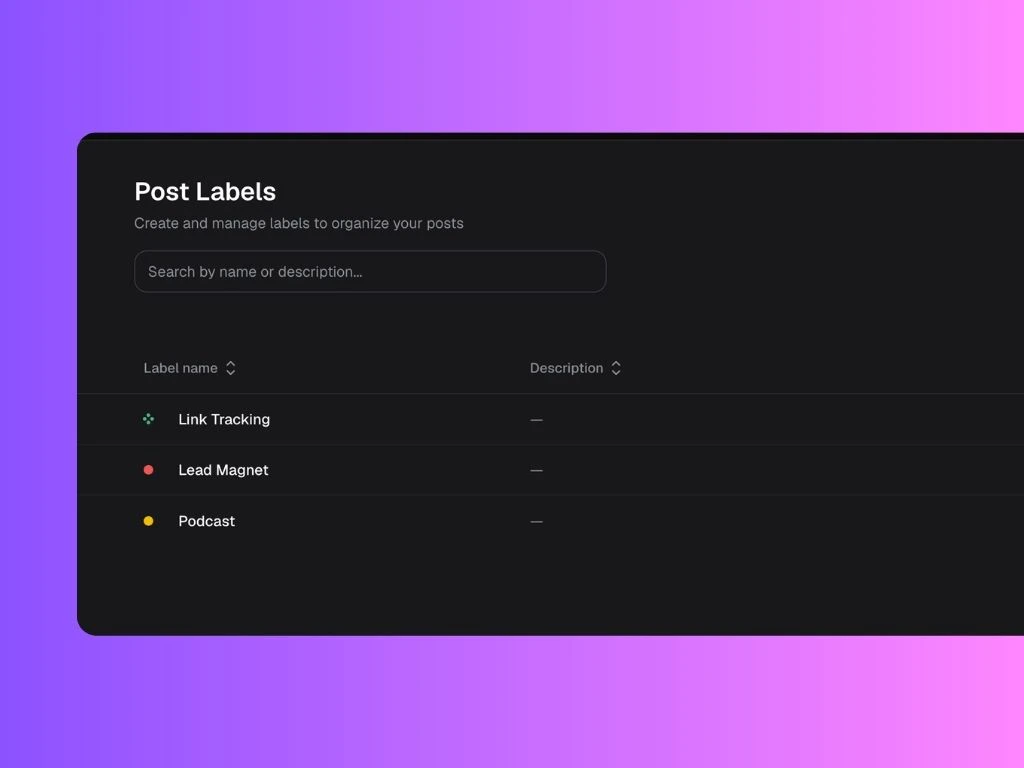
From the Labels tab, you can:- Click New label to create a new label
- Click New group to organize labels under a shared category
- Add a description to clarify what each label should be used for
- See when each label was last applied and created
Best Practices
- Keep label names short, clear, and action-oriented.
- Group related labels (e.g., “Product Demos” → “Videos” and “Screenshots”).
- Regularly review and clean up unused labels to maintain clarity.
How Labels Work in Posts
When creating or editing a post, you can assign one or more labels to help categorize it. For example:- “Product Update” for release announcements
- “HR Activations” for role openings
- “Community Challenge” for engagement initiatives
- “Product Videos” for posts that include product demos