

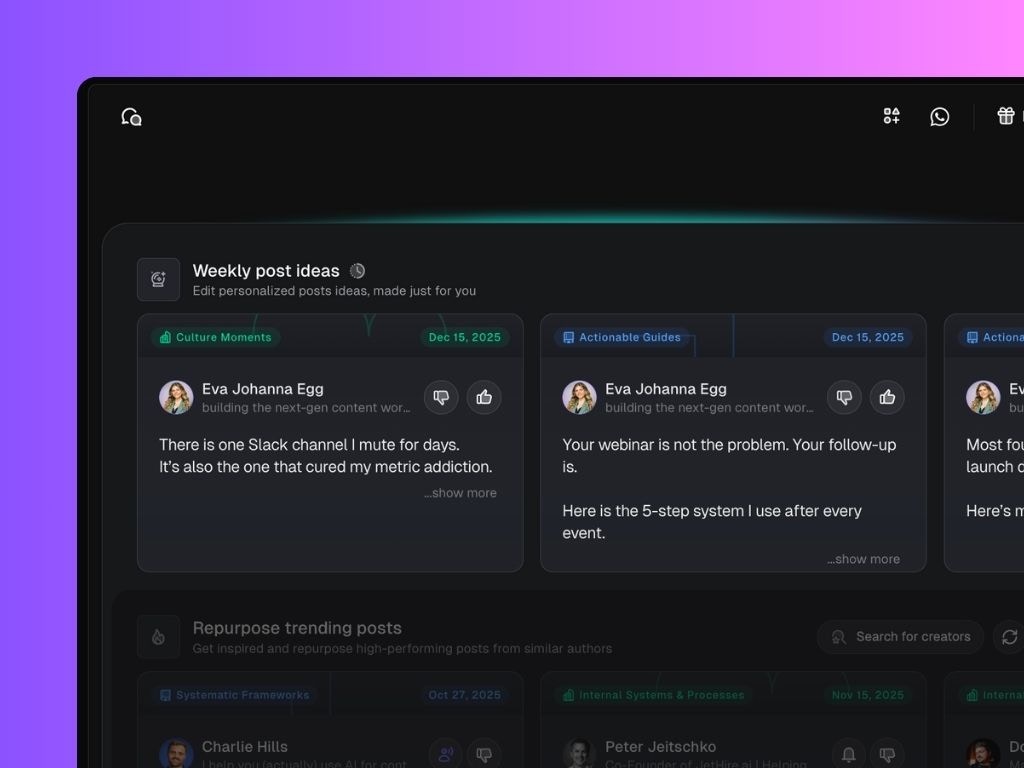
How it works:
Every week, Scripe automatically suggests new LinkedIn posts for you, based on:- Your selected content strategy
- Your activity targets (how many posts you want to publish that month)
- Insights from your Knowledge Base and past posts
- Edit post: Opens the post editor so you can work on the LinkedIn draft.
- Add to chat: Sends the post idea into Chat, where you can brainstorm, refine, expand, or re-angle it.
Personalization improves with input: The more content you add to Scripe, the smarter your weekly suggestions get. These help Scripe identify opportunities you might not have thought of, so you’re not starting from scratch every week.