

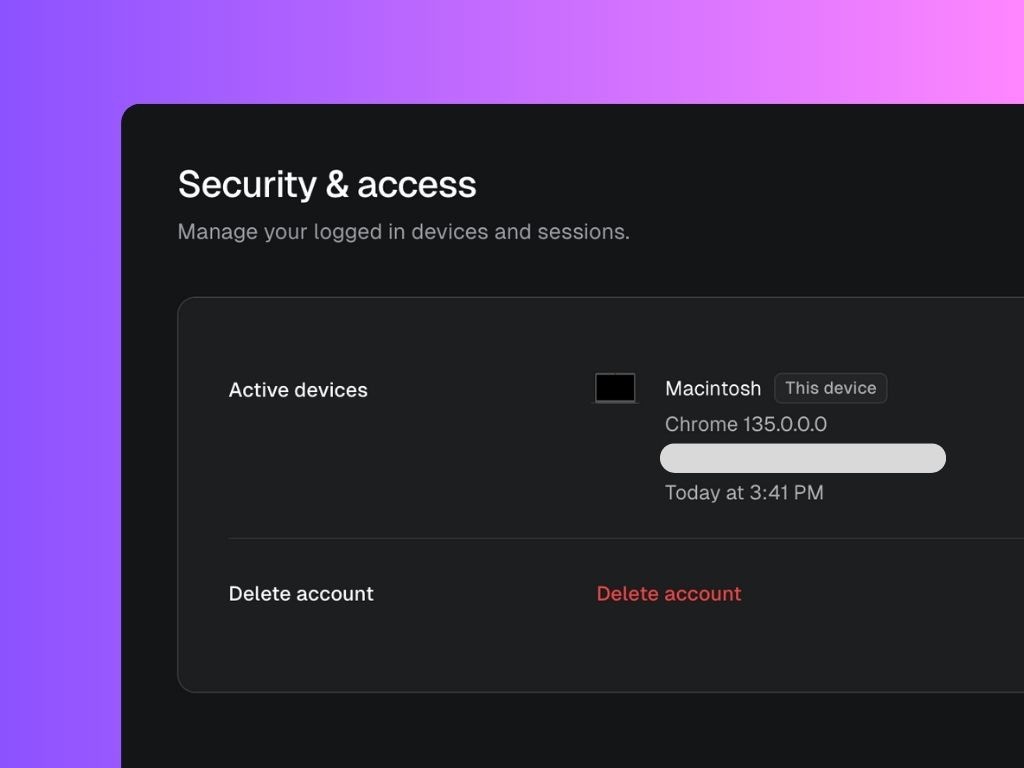
Active Devices
- Displays a list of devices currently logged into your Scripe account.
- Each device entry shows:
- Device name (e.g., Macintosh, Windows, etc.)
- Browser version (e.g., Chrome 135.0.0.0)
- IP address and approximate location
- Last activity timestamp
- Devices are labeled with This device if it matches the device you are currently using.
Delete Account
- You can permanently delete your Scripe account by clicking the Delete account button.
- Deleting your account will remove all your data from Scripe.
Warning: This action cannot be undone.