This feature is only available on the Business Plan.
Creating a Team
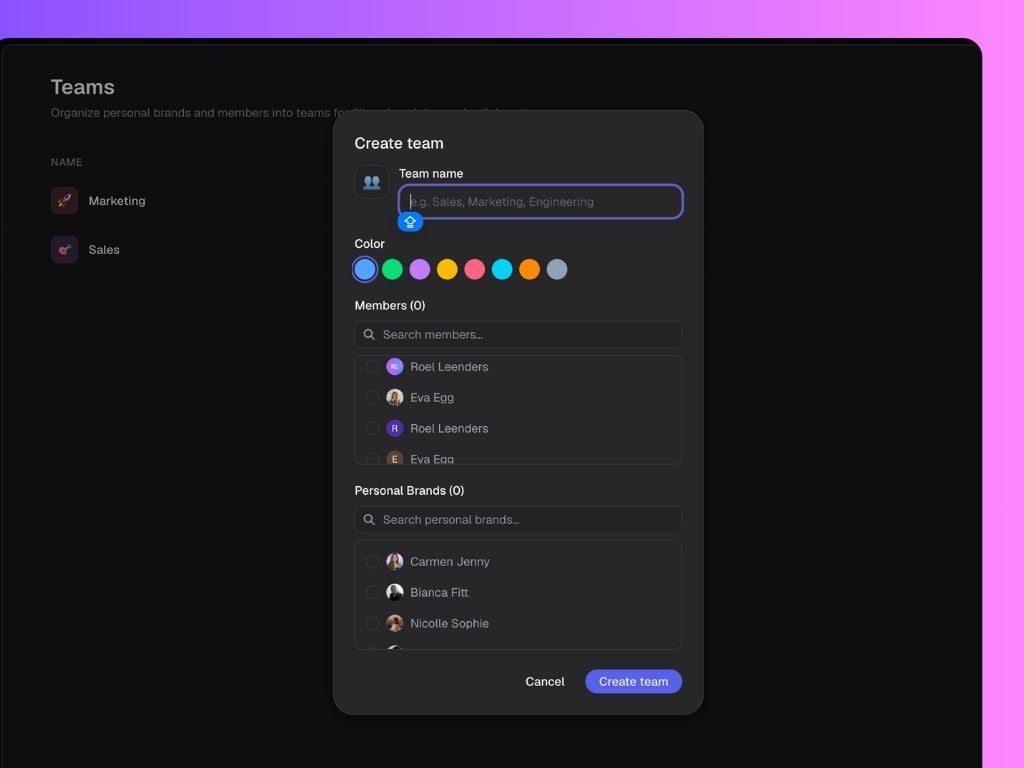
To create a new team, navigate to Settings → Teams and click New Team. Give your team a name, choose a color, then select the workspace members and personal brands you’d like to include. Once you click Create Team, the team becomes available throughout Scripe.Members vs Personal Brands
When creating a team, you’ll see two different categories.- Members are workspace users who have access to your Scripe workspace.
- Personal Brands are the LinkedIn profiles connected to your workspace.
Where to use Teams in Scripe
Analytics
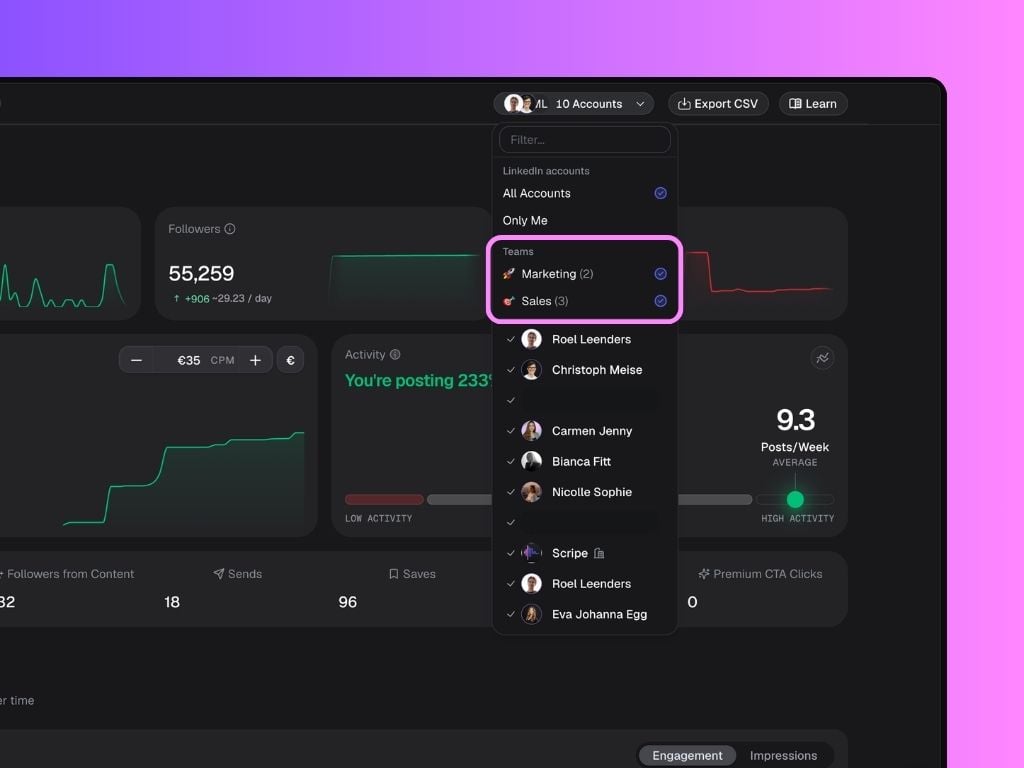
Teams can be used as filters throughout Analytics, allowing you to analyze performance at the group level instead of looking at individual users. This makes it easy to answer questions such as:- Which team is generating the most engagement?
- How does Sales compare to Marketing?
- Which department is posting most consistently?
- Which team is driving the strongest LinkedIn growth?
Campaigns
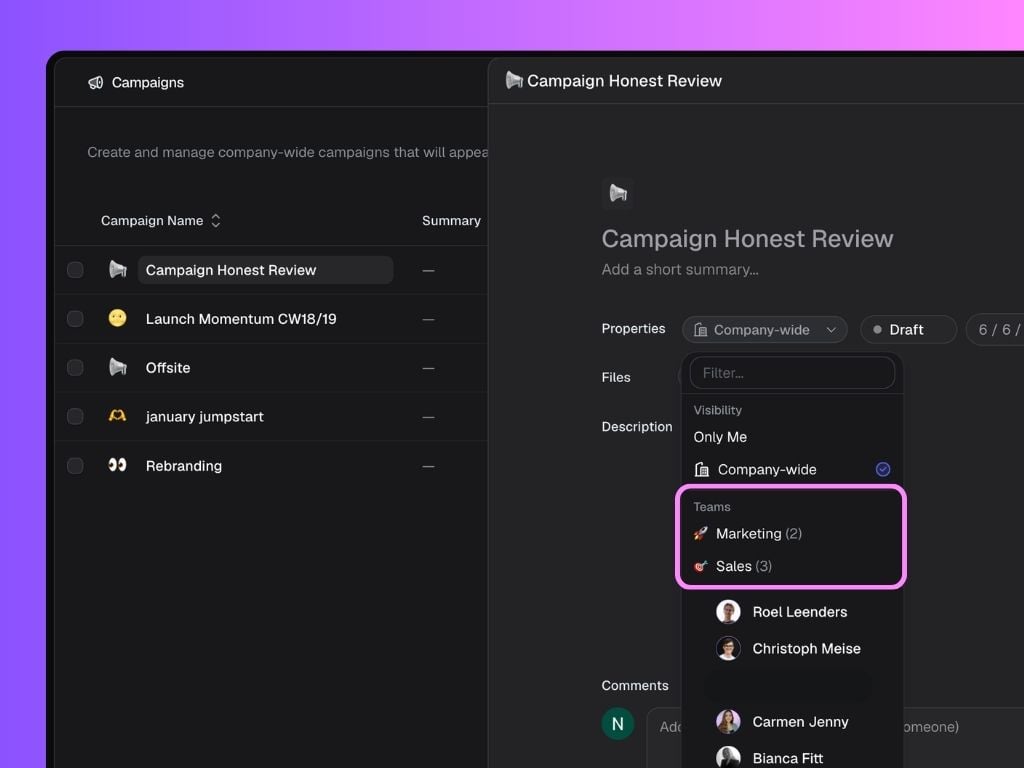
Teams can also be used when creating Campaigns. Instead of assigning campaigns to individual people, you can target an entire team at once. This is particularly useful for larger organizations running content initiatives across multiple departments. For example, you might create a Thought Leadership campaign for executives, a Sales Social Selling campaign for your revenue team, and a Recruiting campaign for HR. Because teams are predefined, assigning the right people becomes much faster and easier.