

This feature is only available on the Business Plan.
How to Set Up Auto Engagement
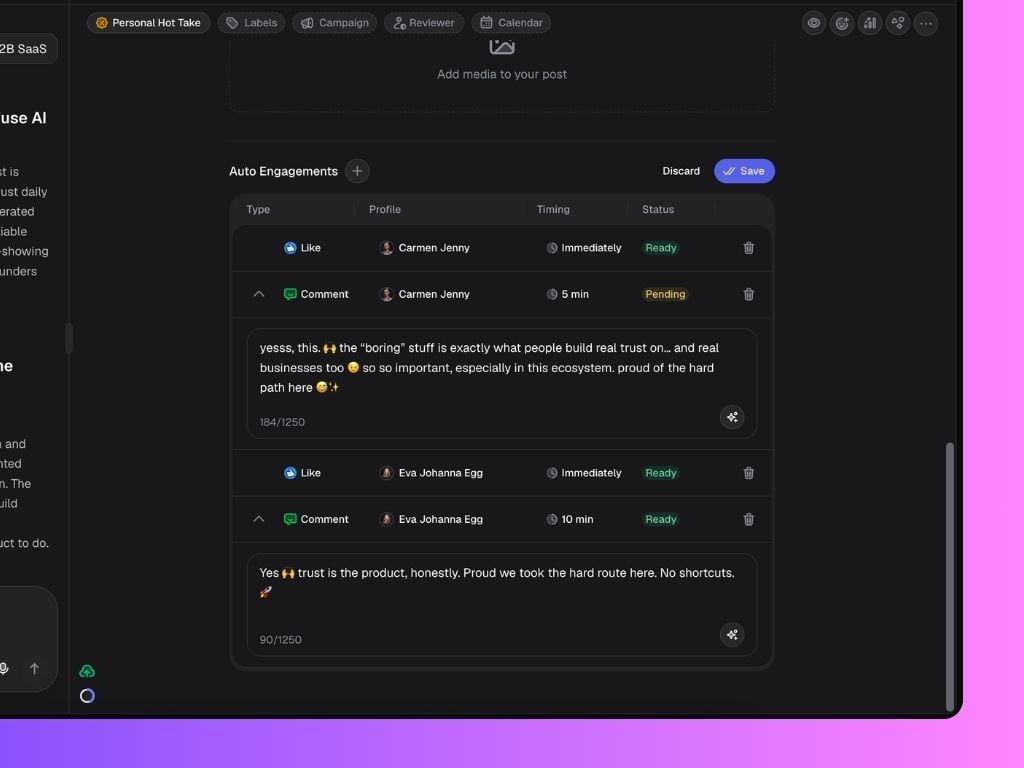
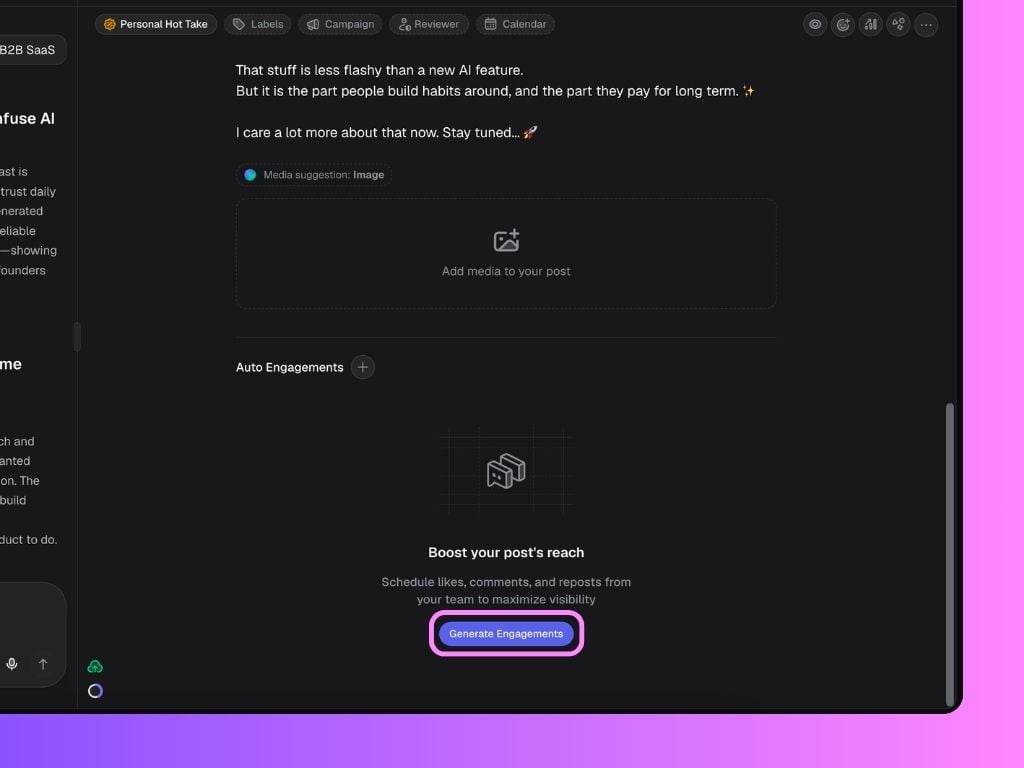
Open one of your posts in Scripe and scroll down to the Auto Engagement section. You have two ways to add engagements:- Click Generate Engagements and Scripe will automatically create a set of suggested likes and AI-generated comments from available team accounts. You can review and edit everything before saving.
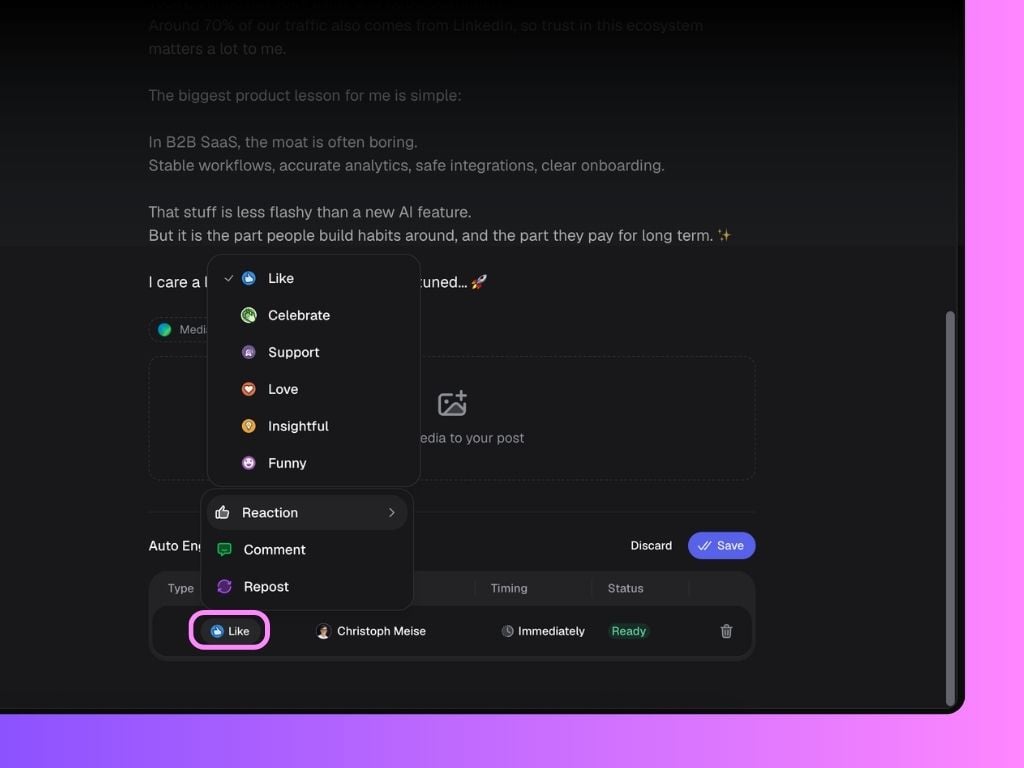
- Click the + button next to Auto Engagements to manually add likes, comments and reshares.
- which profile should engage
- the type of engagement
- when it should happen
- the exact comment text (for comments)
Generated comments can always be edited manually before publishing. You can also regenerate individual comments if you want a different variation.
Who Can Be Used for Auto Engagements?
Only accounts that meet both conditions below can be selected for auto-engagement:- The LinkedIn account must be connected to Scripe
- Engagements must be enabled in that Personal Brand’s settings
Engagement Settings Explained
Each Personal Brand can control whether other workspace members are allowed to use their account for:- Likes
- Comments
- Reshares
- Likes → ON
- Comments → ON
- Reshares → REQUEST
AI Auto-Comments
Inside the Engagement Settings page, users can also add example comments they’ve written before. These examples help Scripe generate comments that better match their:- tone of voice
- writing style
- personality