

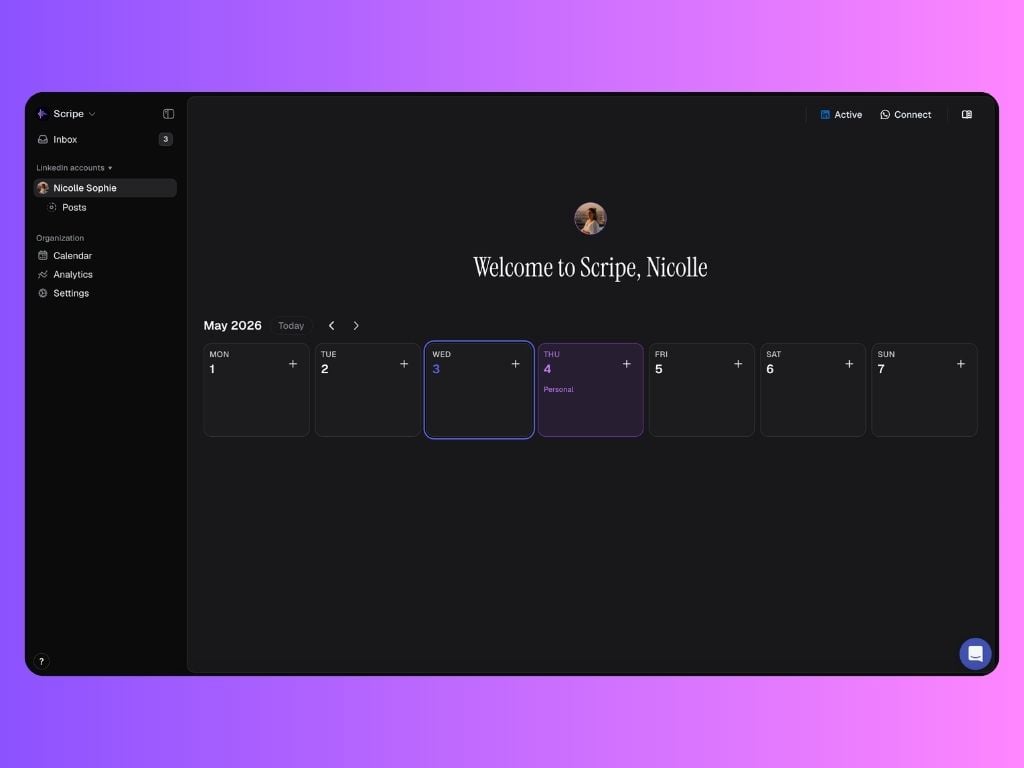
What clients can access:
Clients have access to a limited set of features, focused on transparency and review:Posts
Clients can view posts in three states only:- In Review
- Scheduled
- Published
- Read all assigned post drafts
- See which users are assigned as reviewers
- Request reviews from other workspace members
- Create posts
- Edit content
- Publish or schedule posts
Calendar
The Calendar works the same as for other users, with one key difference: Clients can:- View posting days and planned content only for posts with the following statuses:
- In Review
- Scheduled
- Published
- See and comment on campaigns on the calendar
- Edit campaigns
- Change schedules
- Move or reschedule posts
Analytics
Clients see the same Analytics view as any personal brand. Analytics are view-only and give clients a clear understanding of content impact.Inbox
The Inbox is used for review management only. Clients can:- See posts assigned to them for review
- Receive review notifications inside Scripe
- Send voice notes
- Share raw ideas or updates
- Submit audio content for the team to turn into posts
Settings access:
Account
- Profile: View and manage their own profile details
- Security & Access: Manage login and security settings
- Referrals: Access the referral program & earn money by referring Scripe
Workspace
- General: View organization information & leave the organization if needed
- Billing: 🔒 Locked (no access)
- Notifications: Manage notification preferences
- Tone of Voice: 🔒 Locked (no access)
Personal Brands:
Clients can see a list of all personal brands connected to the workspace.- Other brands appear as locked 🔒
- Clients can see the names only
- They cannot access or interact with those brands