

You can schedule posts and let Scripe publish them automatically. ❌ Without the LinkedIn connection:
You’ll need to manually copy and paste the content into LinkedIn.
How to Connect Your LinkedIn
In case you have not connected your LinkedIn during onboarding, you can connect it anytime in two simple ways:✅ Option 1: From Your Dashboard
- On your Scripe dashboard, click the “Connect LinkedIn” badge
- This will prompt you to connect your LinkedIn account
- Once connected, the badge will state Connected, indicating the connection is active
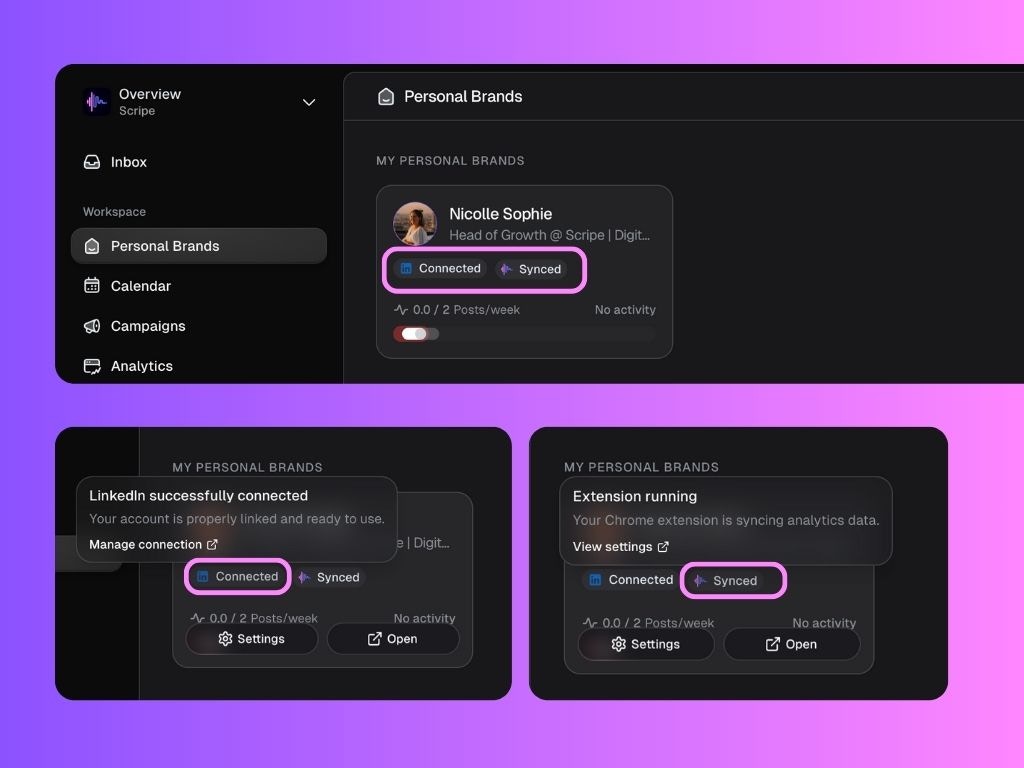
✅ Option 2: From Settings
- Go to the Workspace Settings
- Select the Personal Brand you want to connect
- Go to LinkedIn Publishing Connection
- Add your LinkedIn profile URL and save the changes